Our product
the Worldspace Remote
Scan a QR code and your phone becomes a controller for the screen in front of you. No app to download, and nothing to hand out.
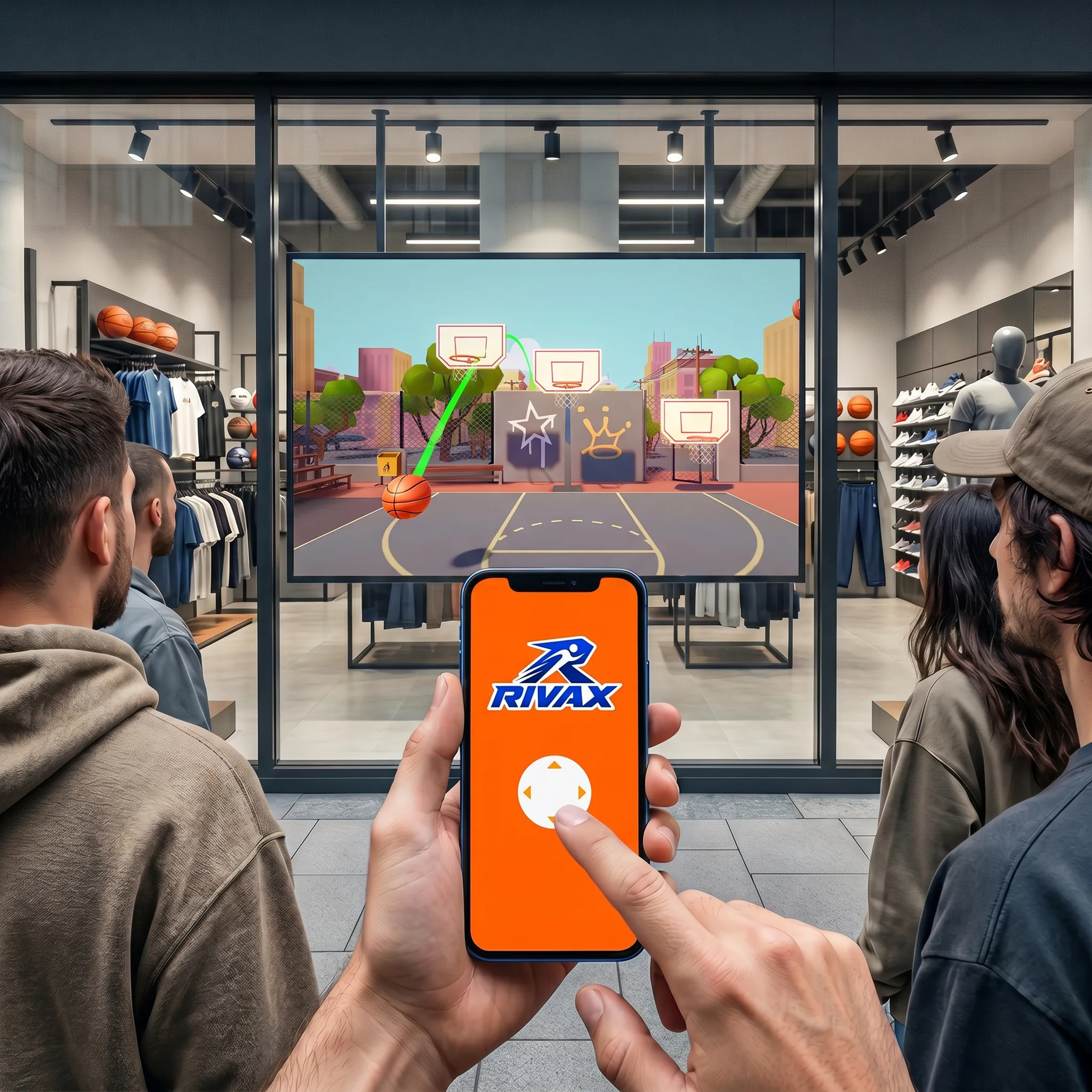
What is the Worldspace Remote?
The Worldspace Remote turns any phone into a controller for a screen, using the phone's web browser. People scan a code, and within seconds they're steering, voting, drawing or playing on the big screen.
Screens can also be linked across locations, so people in different venues or cities can take part in the same game or experience at the same time.
We build the Worldspace Remote into client projects rather than selling it off the shelf, so every version is shaped around your screen, your audience and your brand.
How does it work?
-
01
See it
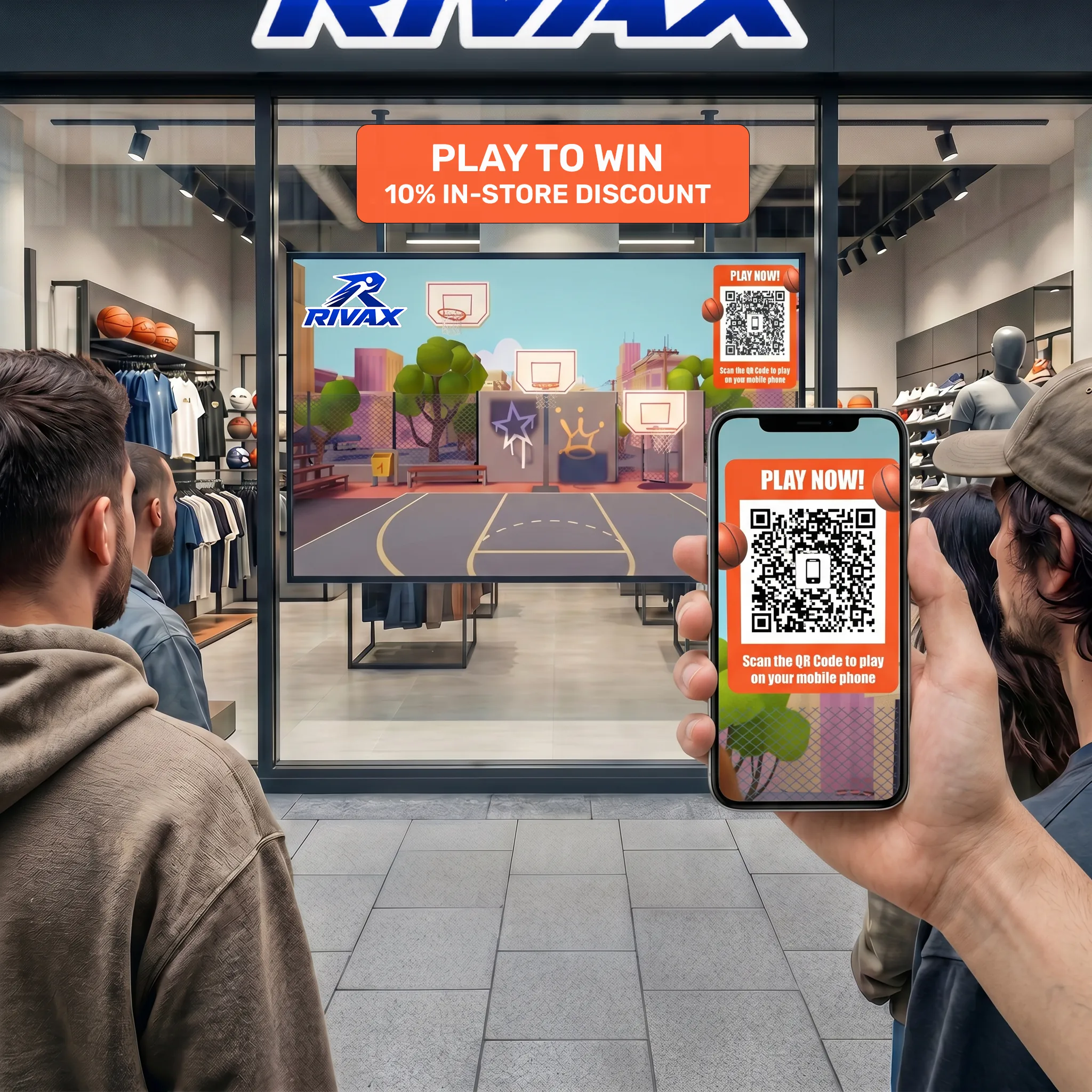
The Worldspace Remote works on any screen, from a small display to a giant LED wall. Put it in shop windows, museums, stadiums, event spaces, queues and waiting areas, or anywhere people gather. A QR code on the screen invites them to play.
-
02
Scan it
Scan the QR code with your phone's camera and the controller opens instantly. There's nothing to download or install.
-
03
Play it
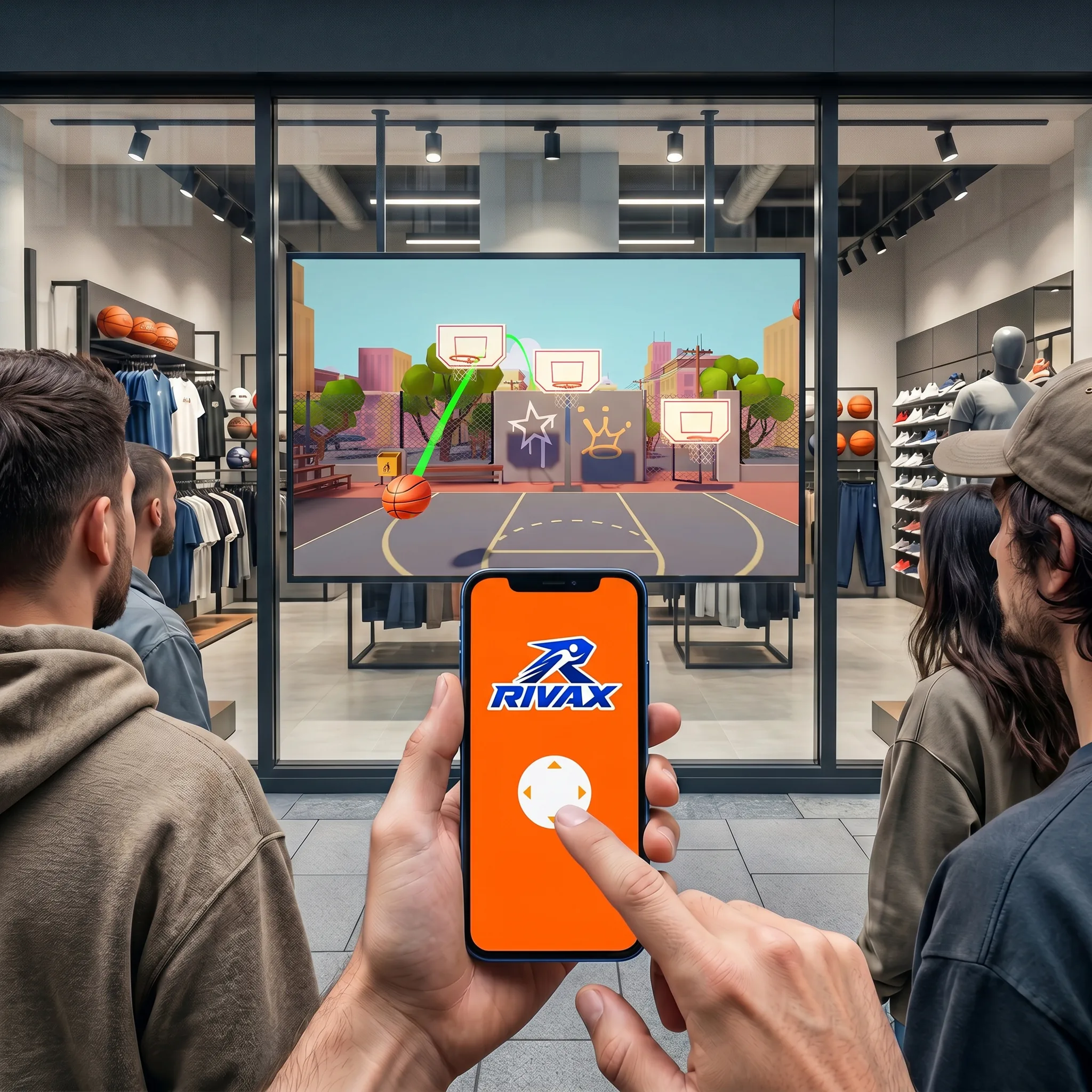
Control the game on the screen from your phone. Play on your own, with friends beside you, or with people at other screens around the world.
Where can you use it?
Events
Let an audience vote, compete or play together on the main screen.
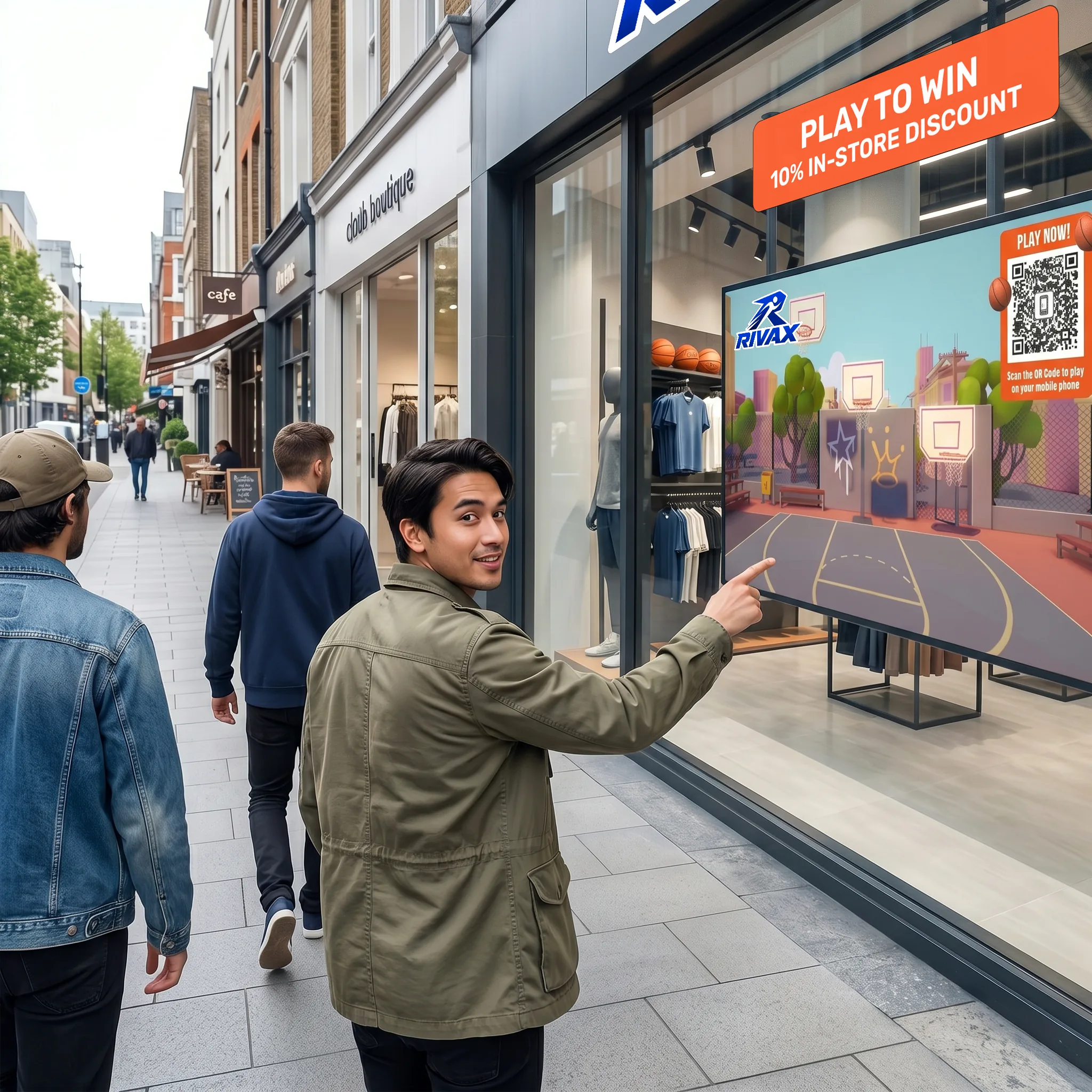
Retail windows
Turn a shop window into something passers-by can play with, even after closing time.
Queues
Give people waiting in line something to enjoy on nearby screens.
Museums
Let visitors explore exhibits from their own phones, with nothing to clean or replace.
Multi-location play
Link screens in different venues so people in separate places can play each other live.
Request the deck
A short overview with examples, how we'd set it up for you and typical costs. Doug will send it over personally.